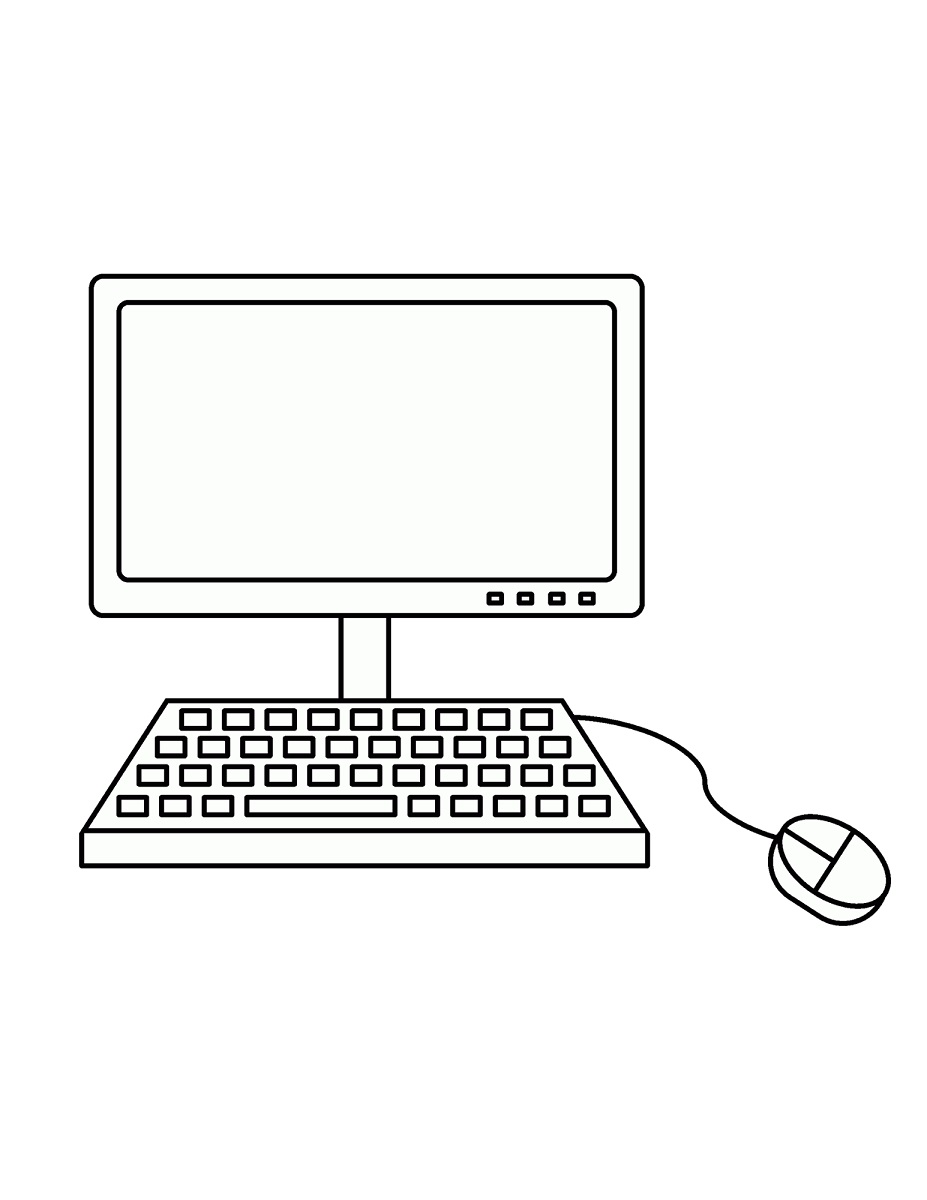
How to Draw a Computer – Step by Step Printable

Computer Drawing Tutorial
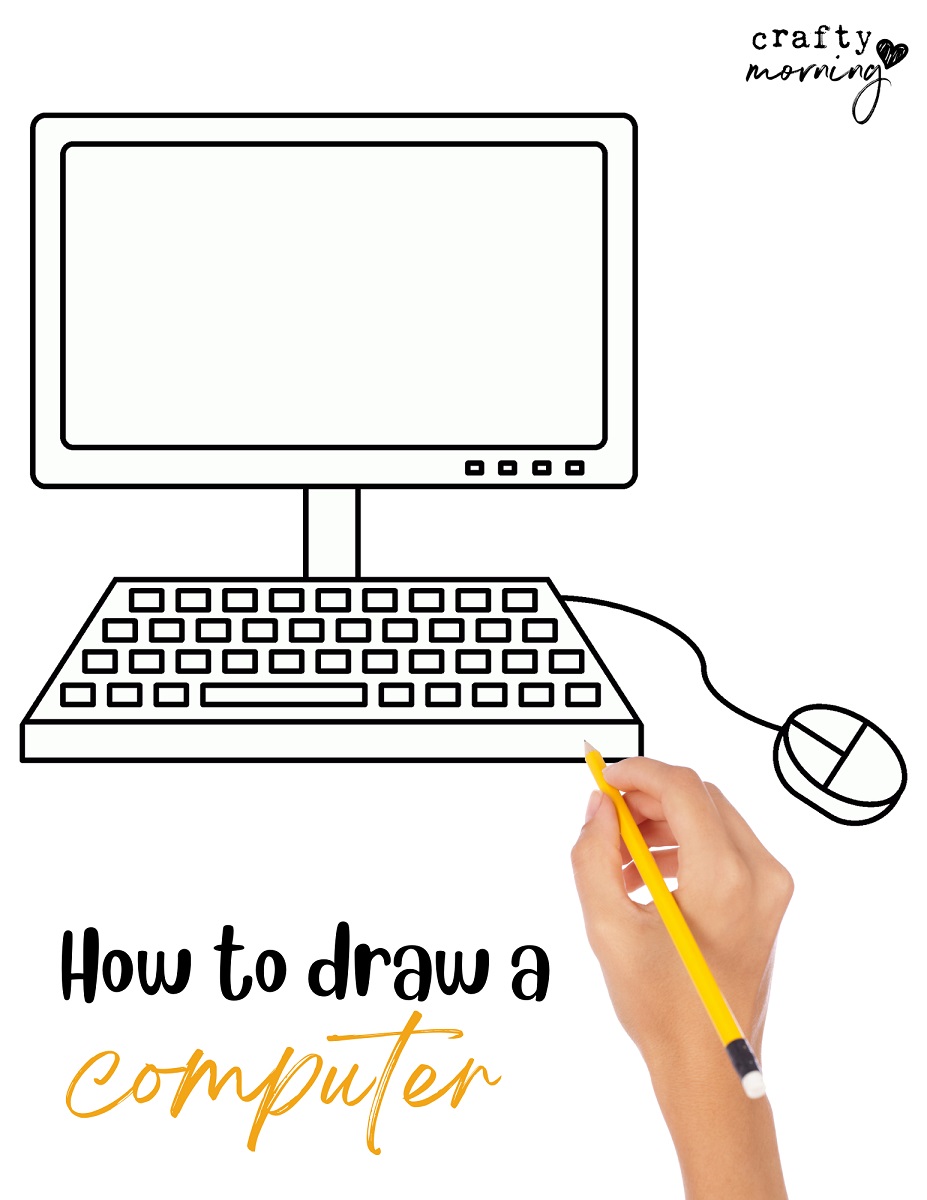
If you’re looking for a computer drawing step by step tutorial – you’re in the right place! Computers are very tricky for kids and adults to draw so I broke it down in 8 steps. You can print my free computer drawing tutorial PDF too!
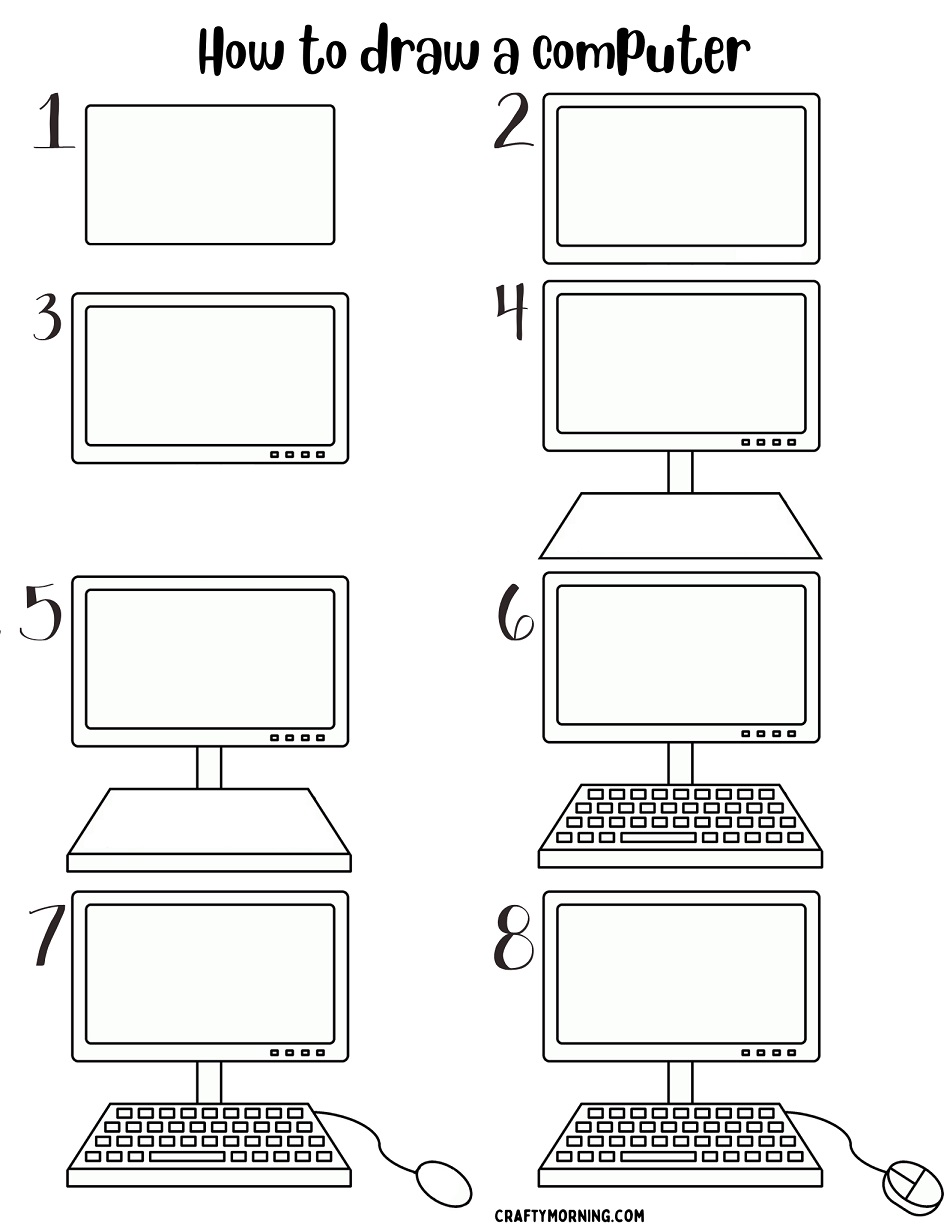
Easy Computer Drawing Instructions in 8 Steps!
Step 1- Draw a rounded rectangle shape.
Step 2- Draw another one on the outside of it.
Step 3- Add 4 little rectangles on the right bottom corner of the computer “screen.”
Step 4- In the middle of the rectangle, draw two lines down. Then the shape connecting.
Step 5- Draw a parallel line from the bottom and connect the edges.
Step 6- Draw small rectangles in 4 rows for the keyboard keys. The bottom row has a long space bar.
Step 7- Draw a squiggle line from the keyboard and draw an oval for the mouse.
Step 8- Draw the mouse details and you’re done!
Free Computer Drawing Printable PDF